
Where Can You Get Passport Photos Near You?
Every place that takes passport photos — USPS, CVS, Walgreens, Walmart, FedEx, UPS, AAA — with typical prices, what to expect, and the at-home alternative compared honestly.
Where can you get a passport photo taken today?
Almost any neighborhood has half a dozen options: post offices with passport services, pharmacy photo counters (CVS, Walgreens, Rite Aid), big-box photo centers (Walmart), shipping stores (FedEx Office, The UPS Store), AAA branches for members, and independent photo studios. All produce the same deliverable — two 2 x 2 inch prints — at prices from about $8 to $20. The real differences are appointment friction, whether you get a digital file, and how careful the person behind the camera is. And there is a seventh option most people overlook: your own phone plus a photo kiosk, which costs the least and allows unlimited retakes.
How do the in-person options compare on price and convenience?
| Location | Typical price (2 prints) | Appointment? | Digital copy? |
|---|---|---|---|
| USPS post office | $15 | Often required | No |
| CVS | ~$16.99 | Walk-in | Sometimes, extra fee |
| Walgreens | ~$15–17 | Walk-in | Sometimes, extra fee |
| Rite Aid | ~$13–17 | Walk-in | Varies |
| Walmart photo center | ~$8 | Walk-in | Varies |
| FedEx Office / UPS Store | ~$13–17 | Walk-in | Varies |
| AAA (members) | ~$10–15 | Walk-in | No |
| DIY phone + kiosk print | Under $1 printing | None | Yes — you own the file |
Prices vary by region and change over time; call ahead if the exact number matters. Note that not every post office offers photos — roughly 1,700 of the 4,800+ passport-service post offices do.
What should you expect at a staffed photo counter?
The process is quick and unceremonious: a clerk positions you in front of a white pull-down backdrop or blank wall section, takes one or two frames with a store camera, and prints the pair while you wait. Total time is usually 10–20 minutes with the line. You will be asked to remove glasses (required since 2016) and hats, and to hold a neutral expression. What you should actively check before leaving the counter: no shadows behind your head, eyes open in the frame they chose, and the print looks sharp rather than washed out. You are allowed to ask for a retake — do it there, because coming back later restarts the whole errand.
Which option should you pick for your situation?
Match the option to the constraint. Renewing online? You need a digital file, so a prints-only counter is the wrong product — take the photo yourself or confirm the store sells the digital copy. Applying in person for a first passport? Any option works; if your acceptance facility is a post office with photo service, bundling photo and application into one appointment is efficient. Family of four or more? Staffed prices multiply per head while a DIY 4 x 6 sheet holds several photos for pennies — see what passport photos cost. Squirmy toddler? Whichever environment keeps the child calm wins; many parents find home easier than a store line, per our baby passport photo guide.
How does the at-home option actually work?
- Shoot against a plain white or off-white wall in even daylight, camera at eye level, someone else holding the phone from about four feet.
- Pick the best frame — neutral expression, both eyes open, no shadows on the wall.
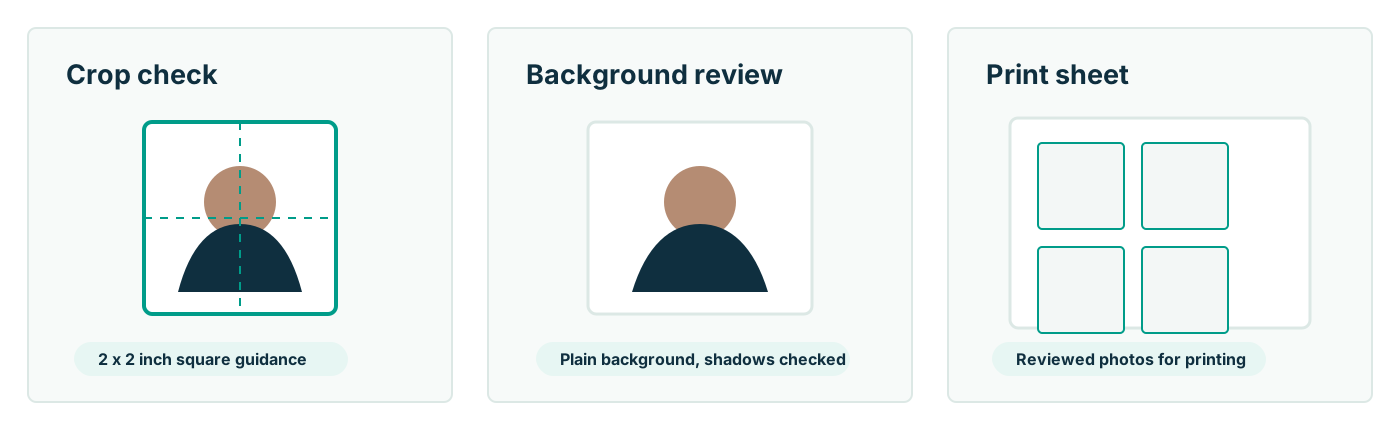
- Format it to the official 2 x 2 crop with the head sized to 1–1 3/8 inches. Passport Photo AI does this framing automatically and flags compliance problems like tilt or busy backgrounds.
- Print the generated 4 x 6 sheet at a pharmacy kiosk on glossy or matte photo paper, then cut on the guides.
Keep the software's role to cropping and layout: the State Department requires the original, unedited photo, so beautifying filters and background repainting are off-limits for the submitted image.
Does a professional photo improve your acceptance odds?
Only insofar as the professional gets the basics right — and they do not always. Rejected photos come out of drugstores too: shadows on the backdrop, head cropped too large, glare on skin, prints on flimsy stock. The passport agency evaluates the image, not its provenance; a phone photo that nails the requirements outranks a counter photo that misses them. Where staffed services genuinely help is removing decisions — background, distance, printing are handled for you. Where DIY genuinely helps is iteration: you can take thirty frames and submit the one that is actually right. Either way, verify the final photo against the official requirements at travel.state.gov yourself — no provider, human or software, can guarantee acceptance.
FAQ
Where is the cheapest place to get a passport photo taken?
Among staffed options, Walmart photo centers are usually cheapest at roughly $8 for two prints; AAA offices often discount for members. USPS charges $15 and pharmacies run $15–17. Cheapest overall is taking the photo yourself and printing a 4 x 6 sheet at a kiosk for under a dollar.
Do I need an appointment for a passport photo?
At pharmacies and big-box stores, no — photo counters take walk-ins. USPS is the exception: many post offices ask you to book photo service through their appointment scheduler, often bundled with a passport application appointment.
Do these stores give you a digital copy?
Not by default. Most staffed services hand you two prints; some retailers sell a digital copy as an add-on. If you plan to renew online, you specifically need a digital file, so ask before paying — or start from your own phone photo instead.
Can a store passport photo still get rejected?
Yes. Staffed photos fail for the same reasons as home photos — shadows on the backdrop, incorrect head size, glare, poor print quality. Staff take the photo, but the passport agency judges it.
Is it acceptable to take the photo myself at home?
Completely. The State Department has no requirement that a photo be professionally taken — only that it meets the specifications and is unedited. A phone photo against a plain wall, cropped to 2 x 2 and printed on photo paper, is fully legitimate.
How Passport Photo AI helps
Passport Photo AI turns an everyday photo into a passport-style crop or print sheet. It centers the face, sizes the head to the official 2 x 2 geometry, flags likely compliance problems like shadows or tilt, and exports both a digital square and a 4 x 6 print layout. It does not alter your appearance in the submission workflow, and the final decision always belongs to the passport agency or acceptance facility — verify your photo against the official requirements before you submit it.